
Automated meeting minutes with a gumloop ai agent workflow
It can be challenging during meetings to take effective notes and be present at the same time. I learned this over several years of taking minutes for a nonprofit’s board of directors meetings. I recorded each meeting, but I also jotted down my own notes on the items I wanted to be sure made it into the final record. The more closely I focused on capturing everything, the less I could engage in the conversation.
When I became Secretary of the New York AI Toastmasters Club, I knew I wanted a simpler way. I wanted the notes captured, formatted, and published without depending on my time after each meeting, and without pulling my attention away from the people in the room. I set out to build a workflow to do exactly that.
The Challenge
One of my responsibilities as Secretary is to take notes during Executive Committee meetings, turn them into formal minutes, and distribute them to the other club officers. Doing this by hand after every meeting is time-consuming. It also puts the club’s records at risk of being inconsistent or delayed, depending on how busy my week happens to be.
I wanted a process that would run reliably whether or not I had an open evening, and that would produce the same well-formatted result every month.
What I Did
I built an AI-powered workflow in Gumloop that automates note capture, formatting, and publishing to Confluence, with Slack notifications along the way and a built-in fallback reminder. Here is how it works:
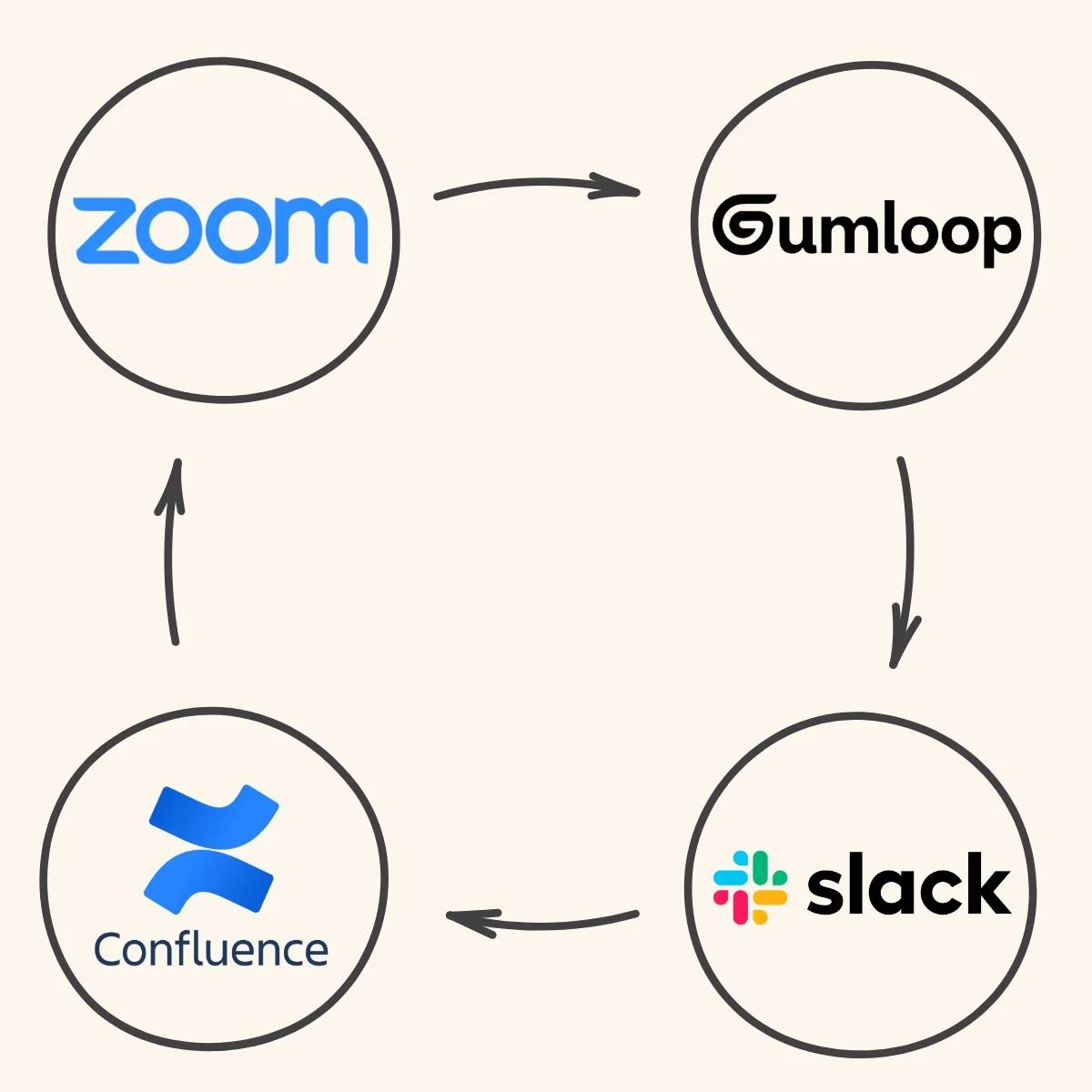
Zoom’s AI notetaker captures the notes from each meeting and I upload them to a Gumloop agent.
The agent transfers those notes into the meeting minutes template, which I gave it as a skill.
The agent shows me the draft, which I review and then send corrections in the chat.
Once I provide my changes, the agent publishes the minutes directly to that month’s page in Confluence, the Club’s knowledge base.
The agent sends me a Slack message with a link to the published page.
I also built in a proactive safeguard. If the agent has not received notes from Zoom by the last Friday of the month, it sends me a Slack reminder so nothing stalls.
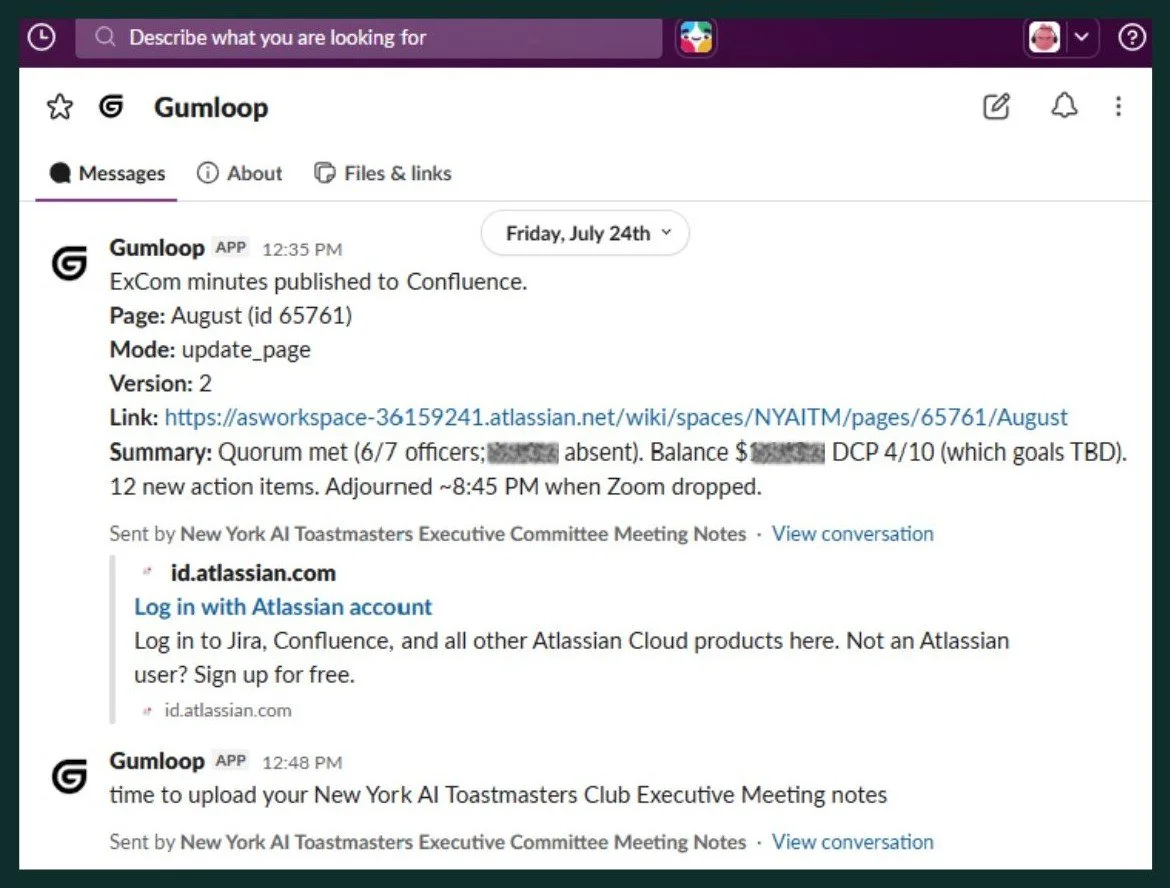
The Gumloop agent notifications that the Meeting Minutes have been uploaded to Confluence, and a reminder to upload the next month’s notes
The Impact
The workflow has now run for two consecutive months, and it went smoothly both times. Drafts are ready for my review within minutes of uploading the notes, and my review is now the longest part of the process instead of the formatting.
The design eliminates manual formatting, removes the risk of a missed month, and gives the club a governed, searchable archive of meeting records. Because nothing is published until I approve it, every set of minutes gets a human check before it reaches the official record.
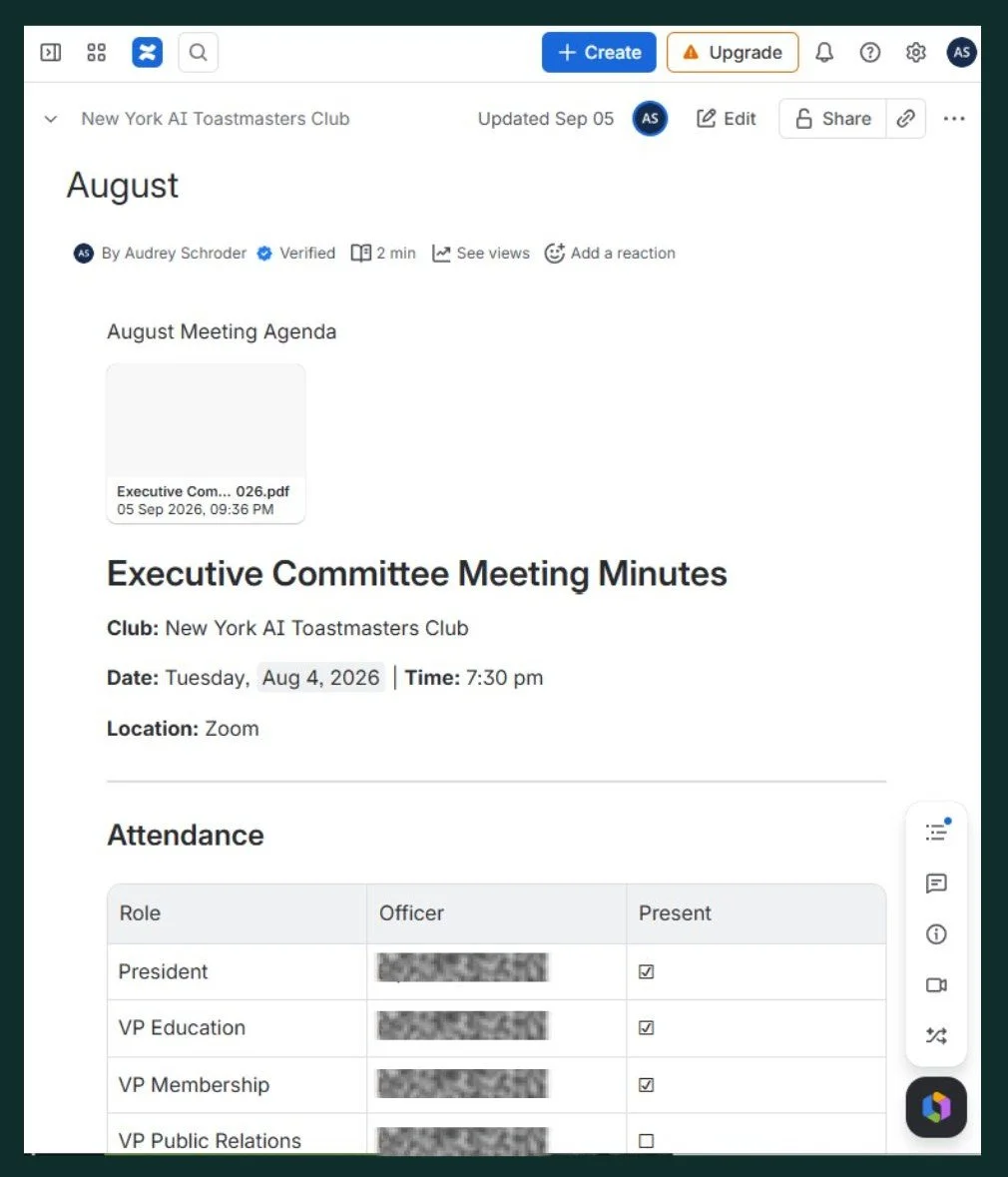
The finalized August Meeting Minutes in the Confluence knowledge base
CompetEncies Applied
AI Workflow Automation
Process Design
Knowledge Management
Prompt Engineering
Systems Integration (Zoom, Gumloop, Slack, Confluence)
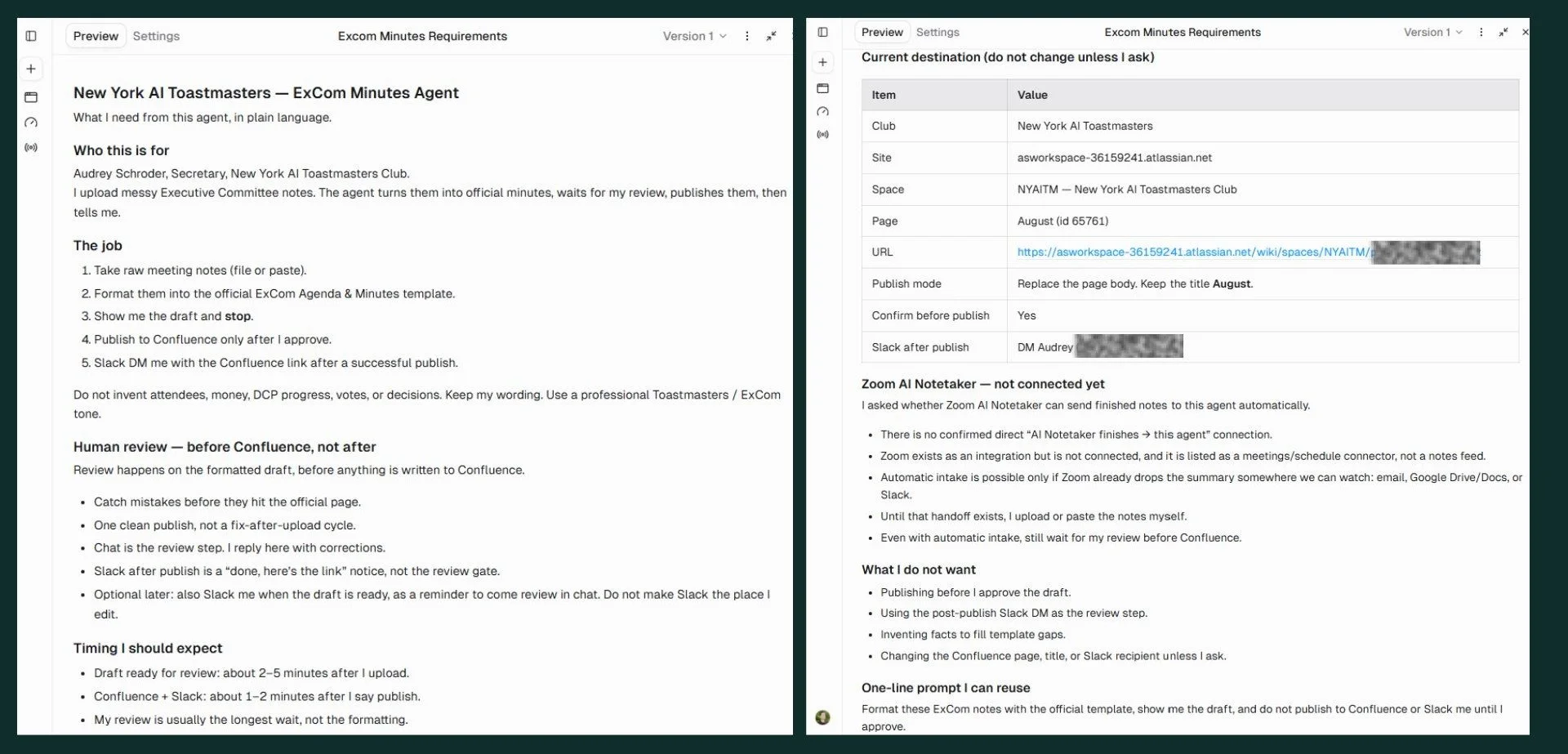
The Gumloop agent brief
